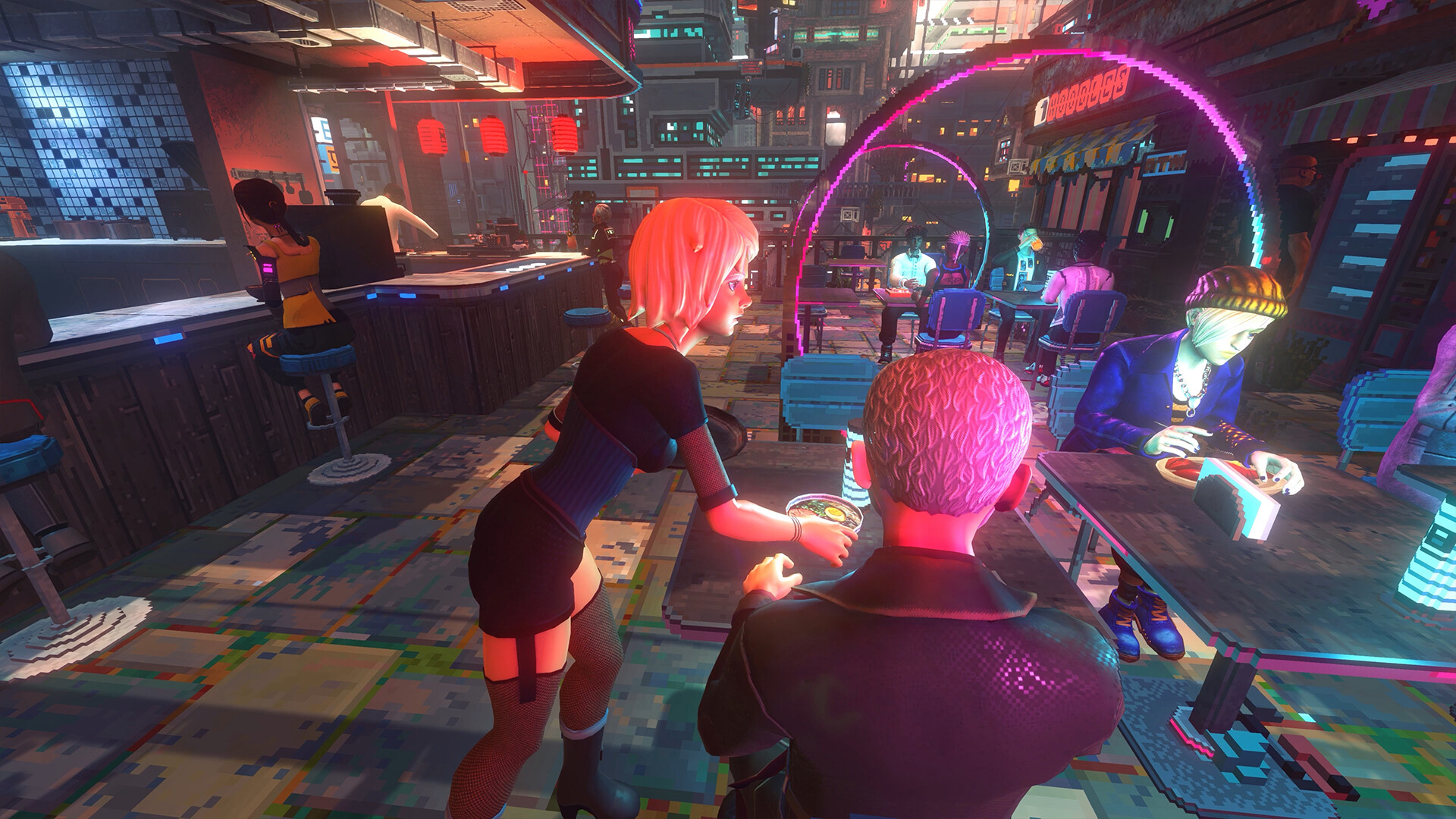
Can you play Nivalis Nights now?
Nivalis Nights is available on Steam for Windows PC as a paid, single-player game, following its September 29, 2026 release. Check the requirements below before buying, then use the performance settings advice if you need a smoother experience.
What should you check before buying?
- Check that your PC has a 64-bit processor and operating system. The minimum operating system is Windows 10 64-bit; the recommended operating system is Windows 11 64-bit.
- Allow 42 GB of available storage space on an SSD. An SSD is required for both the minimum and recommended performance targets.
- Compare your processor, graphics card and memory with the requirements below. If you use a laptop, check the laptop equivalents rather than relying on a similar desktop graphics card name.
Minimum versus recommended PC requirements
| Requirement | Minimum and recommended specifications |
|---|---|
| Operating system | Minimum: Windows 10 64-bit. Recommended: Windows 11 64-bit. |
| Processor | Minimum: Intel Core i5-11600K or AMD Ryzen 5 3600. Recommended: Intel Core i5-13600K or AMD Ryzen 5 7600. |
| Memory | Minimum and recommended: 16 GB RAM. |
| Desktop graphics | Minimum: NVIDIA GeForce GTX 1660 SUPER or RTX 3050, AMD Radeon RX 6600, or Intel Arc A750; 6 GB VRAM. Recommended: NVIDIA GeForce RTX 4070 or AMD Radeon RX 7800 XT; 12 GB VRAM or more. |
| DirectX requirement | The Steam requirements list DirectX Version 11. |
| Storage | 42 GB available space; an SSD is required. |
| Performance targets | Minimum: 1080p at 30 FPS on Very Low. Recommended: 1440p at 60 FPS on High. Both targets use native resolution without upscaling. |
| Laptop graphics equivalents | Minimum: RTX 4050 Laptop with 6 GB VRAM. Recommended: RTX 4080 Laptop or RTX 5080 Laptop with 12 GB or more VRAM. Mobile GPUs perform below their desktop equivalents. |
Treat these as configuration targets when choosing your settings. The minimum specification targets Very Low, while the recommended configuration targets High, and actual performance varies. Start with the target closest to your hardware, then judge how the game feels before raising the graphics quality.
Platforms, updates, settings and purchase questions
- Which platforms and storefronts can I use?
- Steam for Windows PC is the released storefront option. The publisher lists Epic Games as TBA, and no console release date has been announced. The developer has not announced native Mac or Linux support, so choose the Windows Steam release if you want the available PC version.
- What should Steam Deck and GeForce NOW players know?
- The launch announcement says Nivalis Nights is available on GeForce NOW. It also says Steam Deck did not have full support at launch, with improvements to that experience being worked on. If Steam Deck is your main way to play, check the Steam page before making a purchase rather than treating the Windows PC requirements as a handheld performance promise.
- Which settings should I change for better performance?
- Start by lowering the graphics preset, adjusting individual settings and updating your graphics drivers, as the developer recommends. Update #4 added graphics options including Crowd Density and Pooling: lowering Crowd Density reduces background characters for a small performance boost, while switching Pooling off lowers memory use but can increase stuttering. Leave Pooling enabled unless you are running low on memory, and compare how the game feels after each change.
- When is Hybrid CPU Optimization useful?
- Hybrid CPU Optimization is intended to improve performance on Intel processors that have both Performance and Efficiency cores. The patch notes identify 12th gen Core and newer processors, including Core Ultra. Check your processor model before treating this option as a relevant adjustment for your PC.
- How can I make lightning flashes more comfortable?
- Lower Thunder Intensity if the lightning flashes feel uncomfortable. This setting controls how bright those flashes are. Choose a level that feels comfortable during play rather than treating it as a general performance adjustment.
- Does Nivalis Nights have multiplayer or co-op?
- No: Nivalis Nights is single-player, with a supported player count of one. The developer FAQ says multiplayer and cooperative features are not planned. Buy it for solo play rather than planning a shared co-op session.
- How much does Nivalis Nights cost, and is it free?
- Nivalis Nights is a paid game; the official listings do not list a free-to-play edition. The US Steam listing checked on October 13, 2026 showed a standard price of $24.99 and an introductory discounted price of $22.49. Prices and promotions vary by region and date, so open the Steam page to check the amount offered to you before buying.